Functions, Scripts & Workflows
This section covers custom shell functions, script parsing, and workflow automation.
Custom Functions
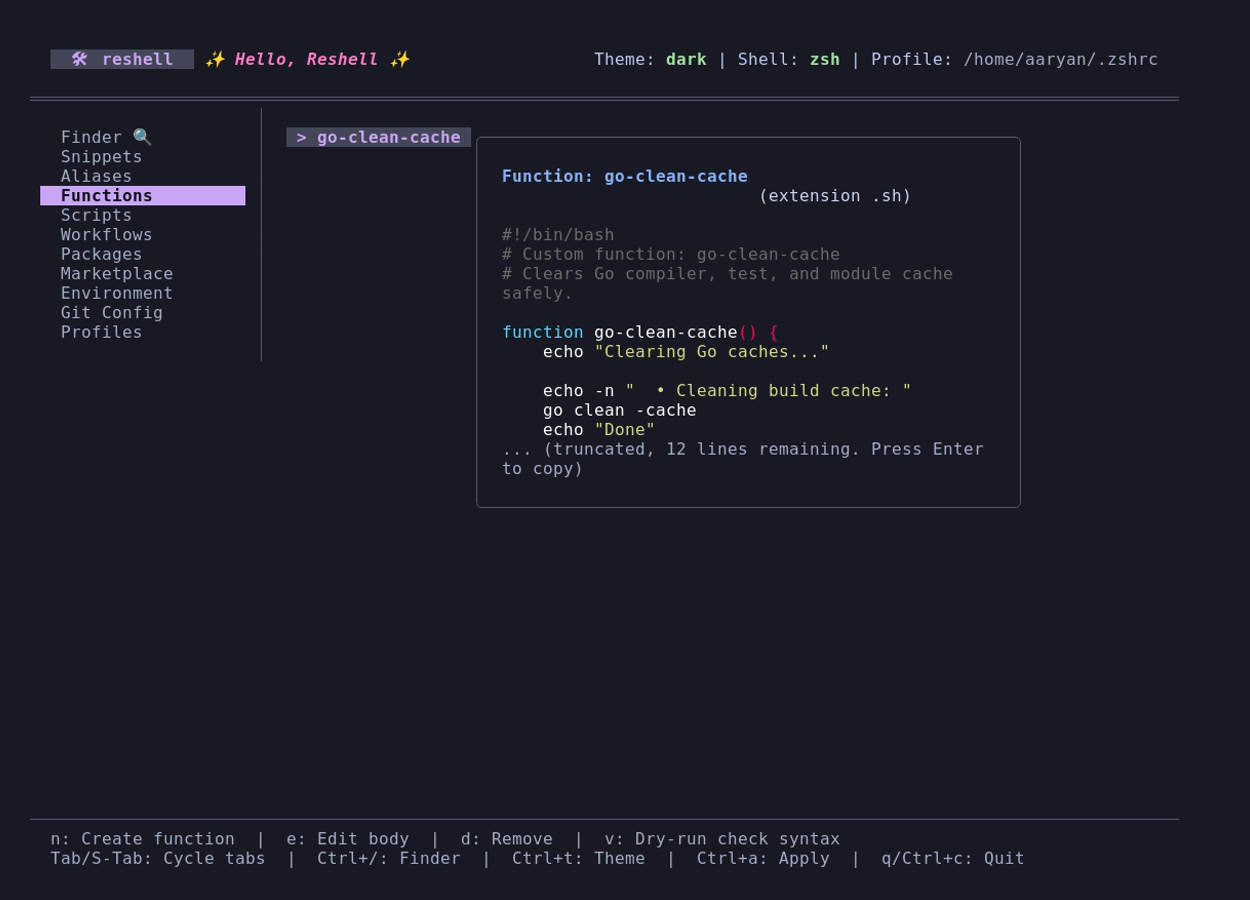
Shell functions allow conditional logic and parameter handling inside shell profiles. They are stored as separate shell scripts under ~/.config/reshell/functions/.
Syntax Validation
To prevent syntax errors from breaking your shell startup profile, reshell runs a dry-run check before saving functions:
- Run validation from the command line:
reshell function validate <name>. - In the dashboard, select a function and press
v. - This runs the shell parser in syntax-only mode (
bash -norfish -ndepending on the target shell) to catch unclosed brackets or quote mismatches without executing the script.
Function Editing
Press e in the dashboard to open the selected function in your system $EDITOR (e.g., Neovim, Nano). The dashboard automatically refreshes and reloads your configurations when you close the editor.
Script Library
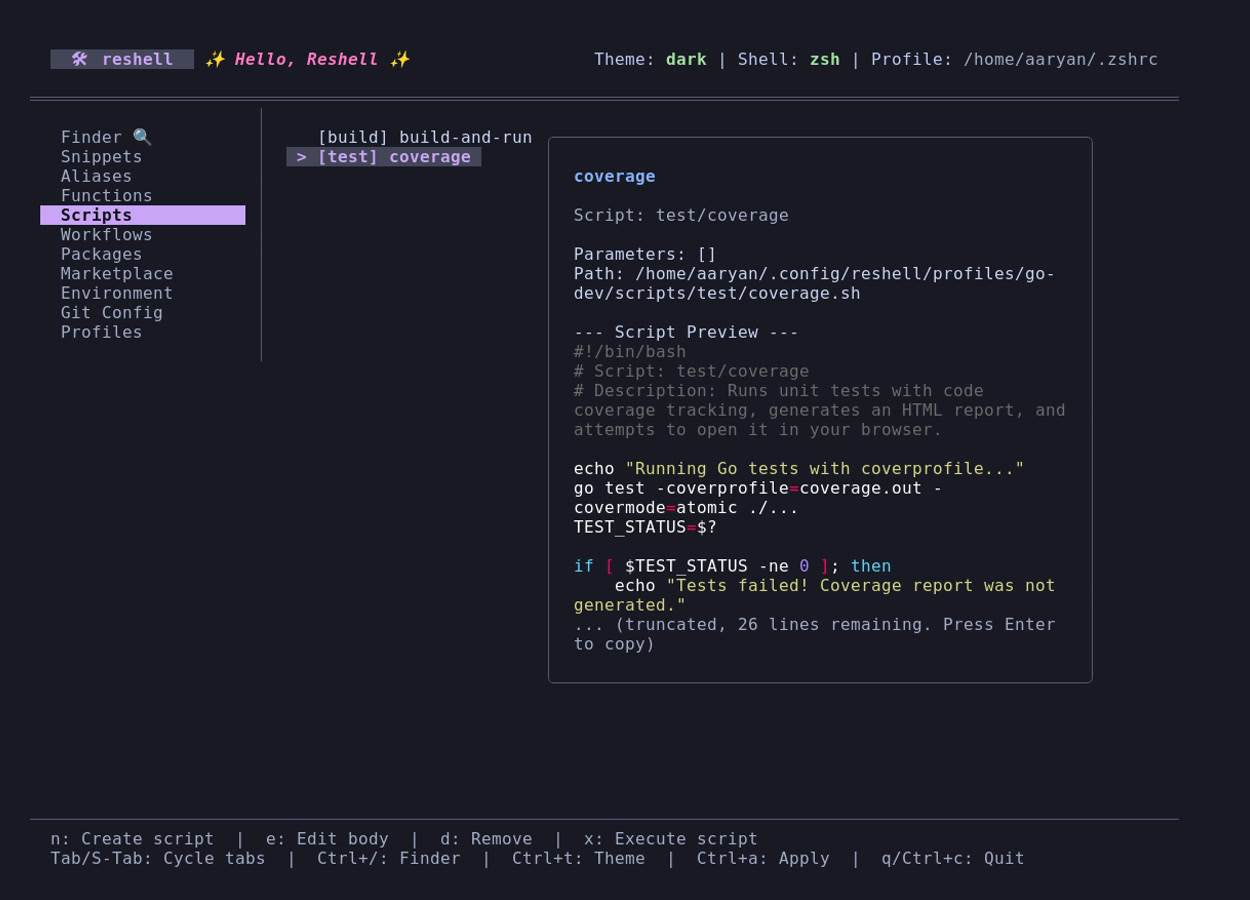
For longer tasks, store executable scripts under categorized folders in ~/.config/reshell/scripts/<category>/.
Parameter Detection
reshell parses script files to dynamically identify required parameters:
- Comment Annotations: Scans for
# @param <Name>tags in comment headers. - Positional References: Detects occurrences of variables
$1through$9.
Executing a script in the dashboard prompts you with input fields for each detected parameter, passing the inputs to the execution call.
Workflows
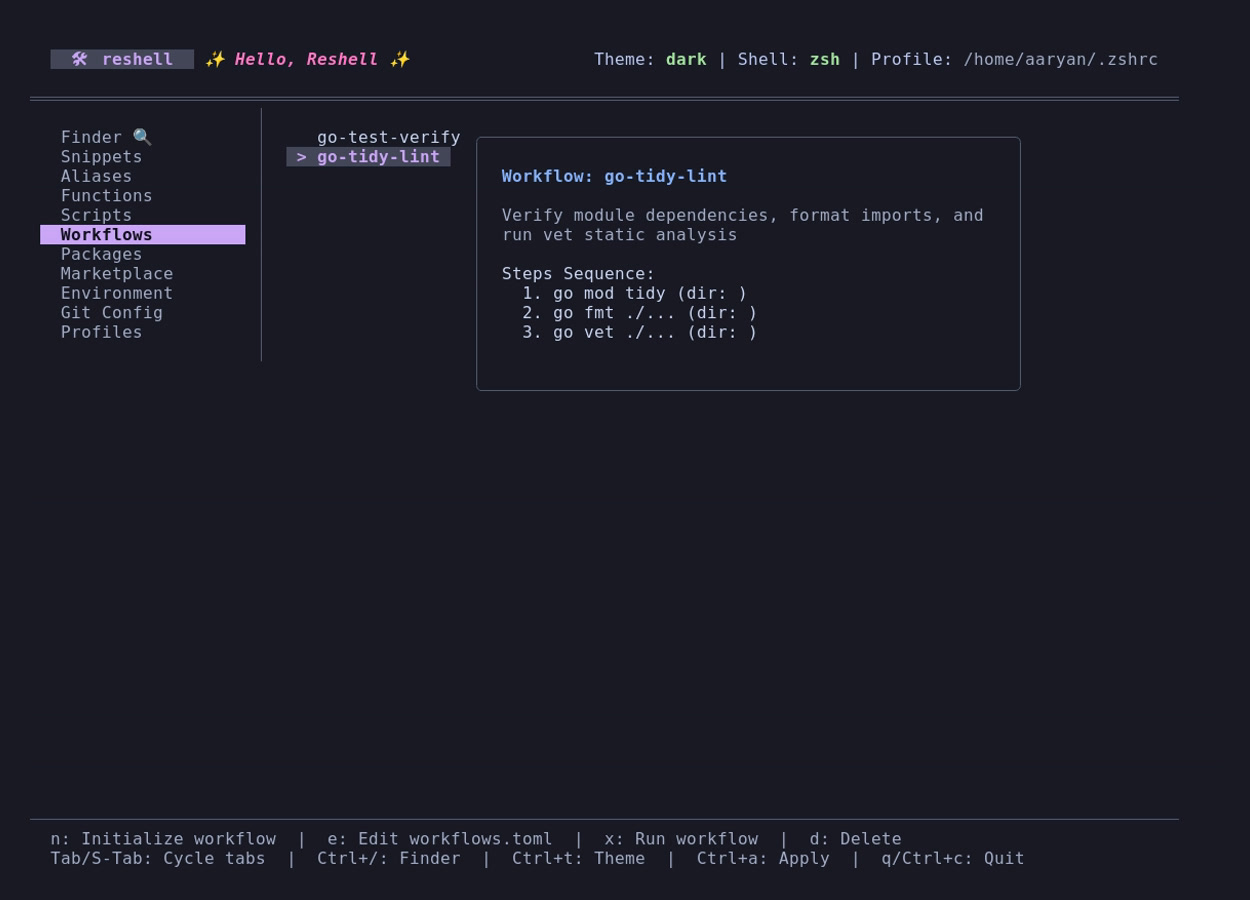
Workflows are automated step sequences defined in ~/.config/reshell/workflows.toml.
Asynchronous Execution
- Steps execute sequentially in the directory configured in the
dirproperty. - If a step fails (returns a non-zero exit status), the workflow execution halts immediately to prevent subsequent commands from running.
- The dashboard displays real-time status indicators (spinners, success, or error marks) for active steps.
- Outputs (stdout/stderr) and exit codes are logged to
~/.config/reshell/logs/workflows/.