reshell Documentation

Welcome to the reshell documentation. reshell is a portable configuration and command-line workspace manager for developers.
reshell centralizes your shell configurations, including environment variables, command aliases, script snippets, custom shell functions, system packages, and git profiles into a single, version-controlled configuration directory.
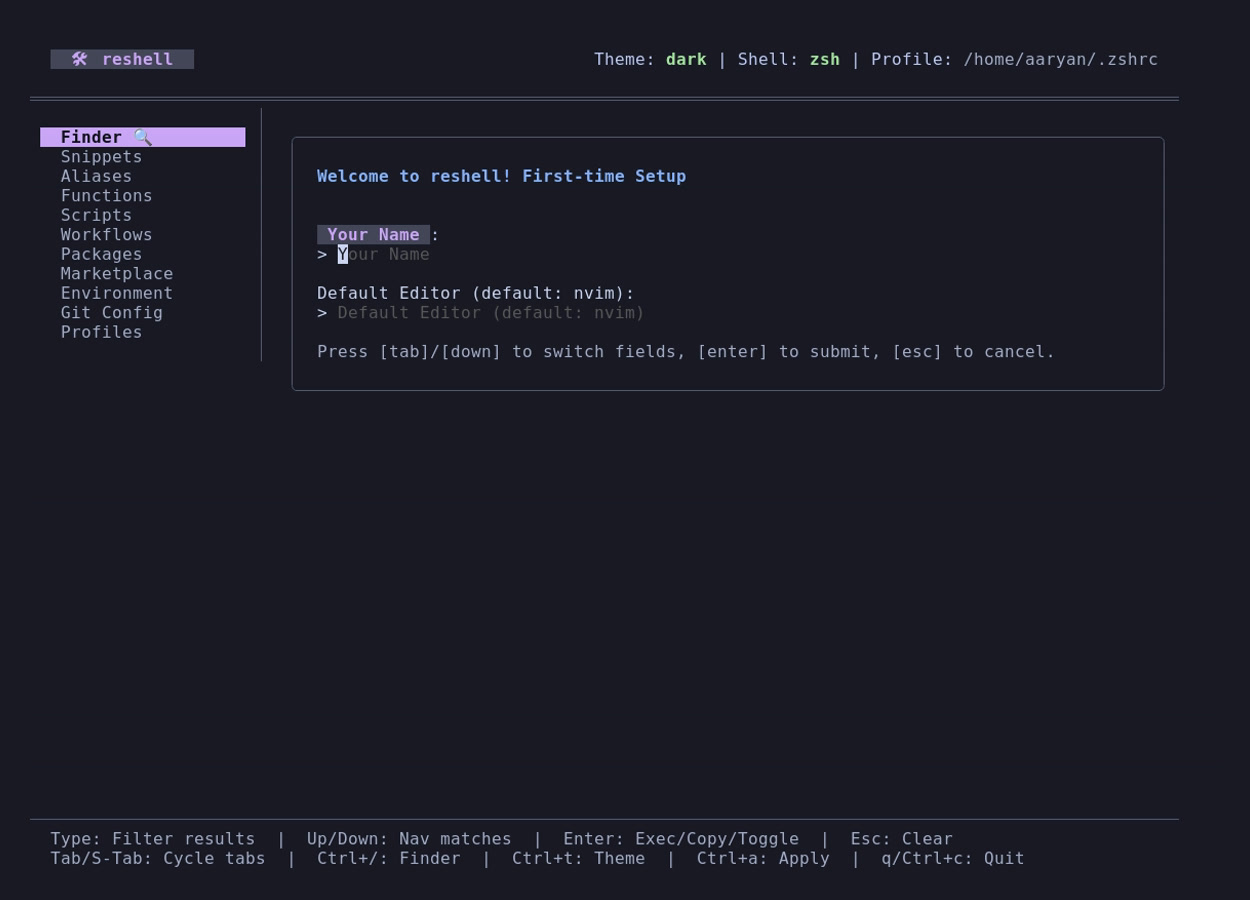
Document Sections
- Getting Started: Requirements, installation, profile integration, and configuration import/export.
- Snippets & Aliases: Managing code blocks, clipboard interactions, and command conflict checks.
- Functions, Scripts & Workflows: Writing custom shell functions, script parameters parsing, and workflow step execution.
- Packages & Marketplace: System dependency synchronization, sudo password piping, and third-party configuration packs.
Design Principles
- Declarative Configuration: All configurations are stored as human-readable TOML files under
~/.config/reshell. No binary databases or external registries are used. - Subshell Isolation Avoidance: To allow configurations (like directory changes or environment updates) to affect the active terminal, reshell generates native scripts that are sourced directly by your shell profile.
- Secure Privilege Elevation: Operations requiring administrative privileges prompt for authorization at runtime, avoiding running the main application as root.
- Portability: All settings are packaged into structured files, allowing environment synchronization across new installations without configuration drift.